How to Choose a Website Template That Fits Your Business
A template can look impressive in a gallery and still be a poor fit for your business. The useful question is what happens when you replace the sample headline, illustrations, and service descriptions with your own content.
Choose a design that helps customers understand your offer, compare their options, and take a sensible next step. Use the following checks to narrow your shortlist before committing to a layout.
Start with the decision your customer needs to make
Write one sentence describing why someone would visit your site. Be specific: “A homeowner wants to understand our renovation process before requesting a quote” gives you more direction than “We need a professional website.”
That decision determines what belongs near the top of the page. A restaurant might need its menu, location, and reservation link close together. An architecture practice might lead with a selected project, followed by its approach and enquiry process. A software business might need to show the product in use before asking someone to book a demo.
A template’s industry label is a starting point. Look at whether its structure suits the conversation you need to have with your customer.
Use richer layouts where they help explain something
Complexity works best when it has a purpose. An asymmetric project grid can give a flagship project more space while keeping smaller examples visible. A split section can place a service explanation beside an example. A comparison panel can help visitors understand the differences between packages.
Look for a clear reading order within those sections. You should be able to identify the main point, the supporting detail, and the next action without several elements competing for attention.
For example, a clinic homepage could group its main services beside information about preparing for a first visit. That arrangement gives someone useful context before they reach the appointment link. Adding decorative cards around the same booking button would contribute much less.
Replace the sample content before judging the design
Try a realistic business name and your actual headline. Then imagine the rest of the content you have available:
- Does your longest service name fit comfortably?
- Do you have suitable images for the large visual areas?
- Can the layout explain your offer without invented statistics or testimonials?
- Is there room for pricing context, exclusions, or common questions?
- Would the design still work with three genuine projects rather than twelve sample ones?
Treat sample claims, prices, portraits, and illustrations as demonstration content. Replace them with accurate information and imagery you have permission to use before launch.
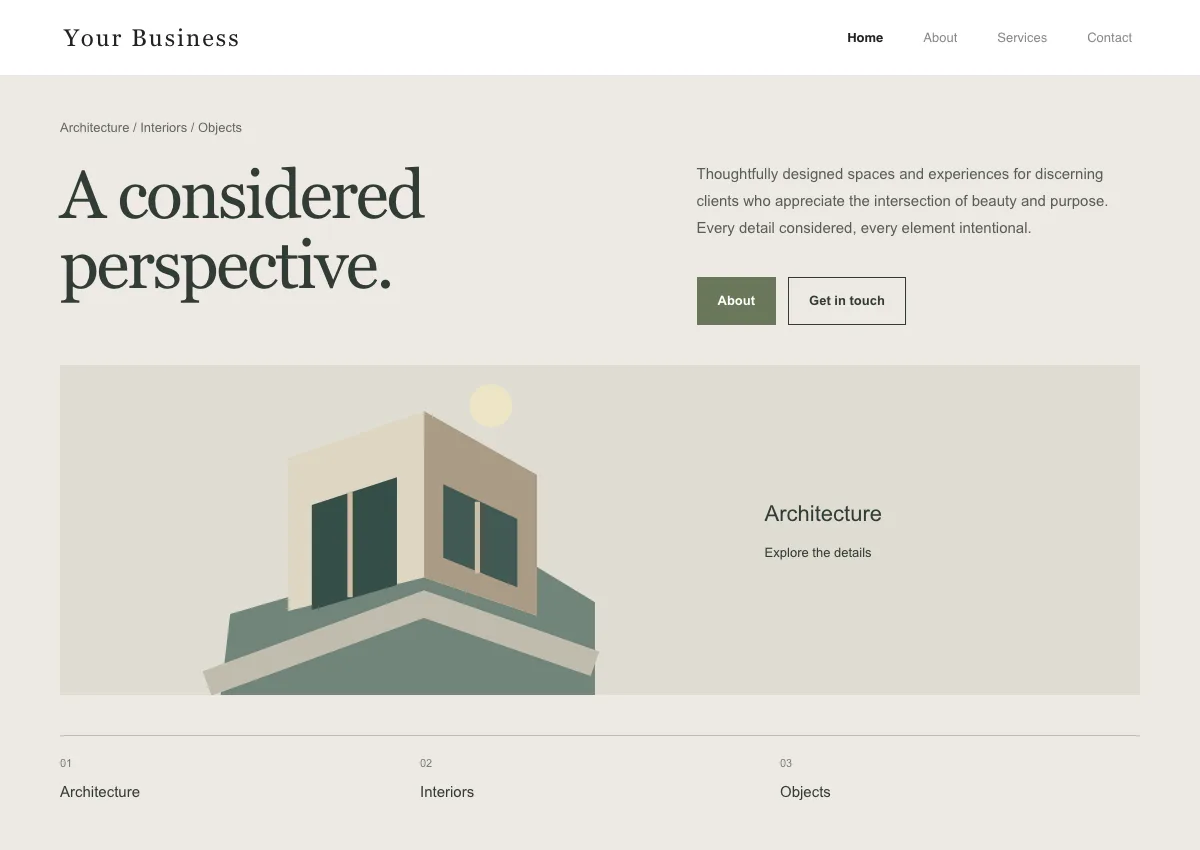
An editorial concept from the Vendrato template library. The artwork illustrates the design direction; it is not a completed client project.
Walk through the pages beyond the homepage
Open a service or collection page, then the about and contact pages. Look for continuity in typography, spacing, and navigation, while allowing each page to do a different job.
A service page should help someone understand what is included. An about page should explain who is behind the business. A contact page should make the next step clear, including what information to provide and what happens afterwards.
Follow one realistic journey: discover a service, read enough to assess it, and find the relevant enquiry route. Note any point where you need to guess where to go next.
Check the layout on a phone
Try the same journey on a narrow screen. Check that navigation remains available, headings wrap naturally, and important details stay close to the action they support. A useful desktop comparison can become a long stack on mobile, so read it in that order too.
If a preview includes a mobile view, use it to compare layouts. Check the finished website on an actual phone before launch as well. Preview controls do not verify every device or browser behaviour.
Separate the design choice from the implementation work
A template preview helps you explore a direction. An HTML prototype does not, by itself, provide working payments, appointment availability, enquiry delivery, or a connected customer database.
List the services your finished website needs and how each should behave. For enquiries, that includes the confirmation shown to the customer, the notification sent to your team, and where the details are stored. Include those connections in the project scope and test them before launch.
Shortlist three layouts and compare them with the same brief
Give each option the same business name, headline, and customer journey. Record what fits, what content is missing, and which sections would need changing. Choose the option that gives your business the clearest foundation.
You can explore layouts and customise sample content in our website template library. When you have a shortlist, book a project call to discuss the content, features, and integrations needed to turn it into your website.
Planning a digital project?
Show us your current website or workflow. We will discuss where to focus and what a project could involve.
Book a Call