Urdaneta Sacred Heart Hospital
- Website redesign
- Patient navigation
- Content management
A hospital website needs to help people find care, prepare for a visit and reach the right department. We reorganised USHH’s website around those tasks, keeping the hospital’s identity and bringing its doctors, services and patient information into a clearer structure.
The brief
Put the tasks patients come for ahead of a busy promotional homepage: finding a doctor, understanding services and planning a hospital visit.
A different direction.
Move through the design, from the first impression to the final detail. Drag the page control or scroll inside a preview.
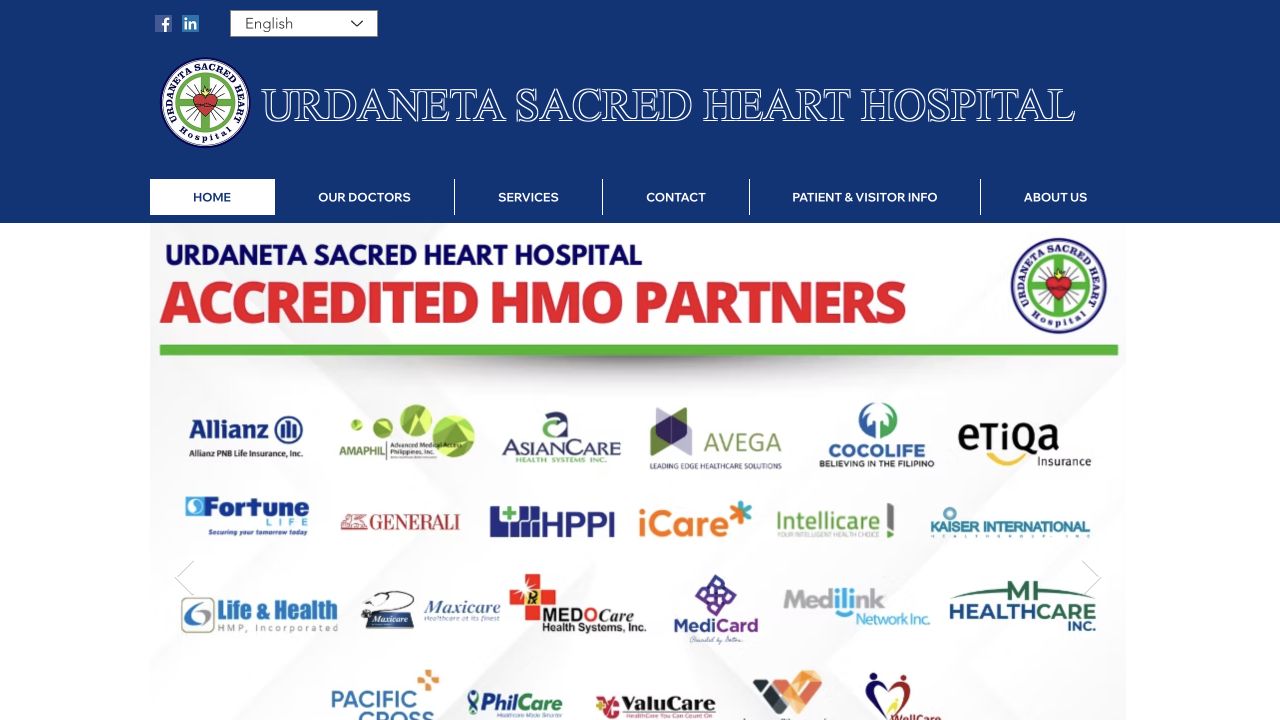
The original is a homepage reference. Explore the redesign in full alongside it.
Design decisions
Start with the patient’s next question.
The redesign turns a broad hospital introduction into clear routes to care. Doctor search sits in the opening view; services and the patient guide give visitors a next step that matches why they came.
- Find a doctor by name or specialty
- Explore services and clinic information
- Prepare for a visit with the patient guide
Across devices
Care information, within reach.
A patient may be looking up a doctor on a phone, or preparing for a visit at home. Both views keep the hospital’s information and next steps accessible.
A closer look
Search by the care you need.
Patients can search a specialty, choose a care area and filter by clinic day. Here, a pediatrics search narrows the directory while keeping the next choices in view.
The thinking behind the work
Help people find care before asking them to explore the hospital.
For USHH, the useful outcome begins with a patient or family member finding the information they came for. The website connects doctor search, service information and visit preparation, giving the hospital’s public presence a practical role in the care journey.
Finding care
Make the first task visible.
Doctor search appears in the opening view, with routes into services and clinic information close by. Someone arriving with a doctor’s name can begin there; someone who knows the specialty they need has another starting point. The opening screen gives both visitors something useful to do.
This changes the role of the homepage from a general introduction into a starting point for finding care. The intended benefit is less searching through unrelated hospital content before reaching relevant information. The website supports that preparation while keeping the hospital’s services and people visible in their own right.
Preparing for a visit
Connect discovery with practical information.
Finding a service is only part of planning a hospital visit. Clinic schedules, department information, contact details and the patient guide give visitors places to continue. These pages connect the initial question about available care with the practical questions that follow it.
For the hospital, the design rationale is to make routine public information easier to reach and revisit. A family member can read on a phone or continue looking at home. Clear navigation supports preparation and informed contact with the hospital, giving people a useful starting point for their conversation with the team.
Maintaining trust
Give changing information a maintainable home.
Doctor and hospital information needs ongoing attention. The project includes content management so the team can edit that material within the website, rather than treating every update as a separate design exercise. The information architecture gives those changes consistent places to appear.
That matters because a useful patient journey depends on both presentation and upkeep. Editable content supports the hospital’s ability to maintain its public information as needs change. Responsive layouts then carry that structure across screen sizes, keeping the next step understandable wherever someone begins their search for care.
The experience in practice
From an initial question to a more informed visit.
Find relevant care
Search for a doctor by name or specialty, or explore the hospital’s services.
Read the practical details
Continue into clinic information, department details or the patient guide.
Reach the hospital
Use the relevant contact information to discuss the next step with the hospital team.
Beyond the first impression
Useful beyond launch day.
Doctor profiles, hospital content and contact information need to change over time. The project includes CMS editing so the team can maintain that information without treating every content change as a new website build.